Demo of PingOne Protect Set-up Assistant
0:29
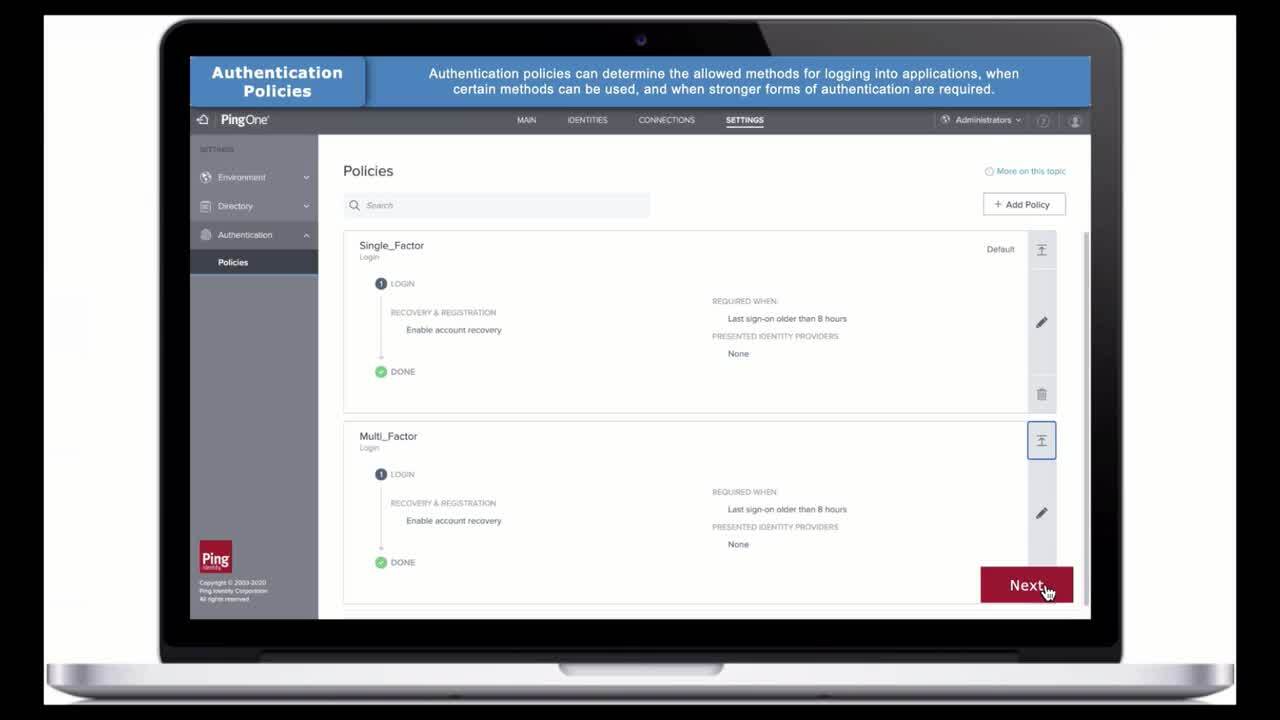
See a quick demo of how easy it is to get started with the PingOne Protect set-up assistant wizard.
Related Videos
For "demo"
-
Play video Pairing with the PingID Mobile App on your iOS Devices
Pairing with the PingID Mobile App on your iOS Devices
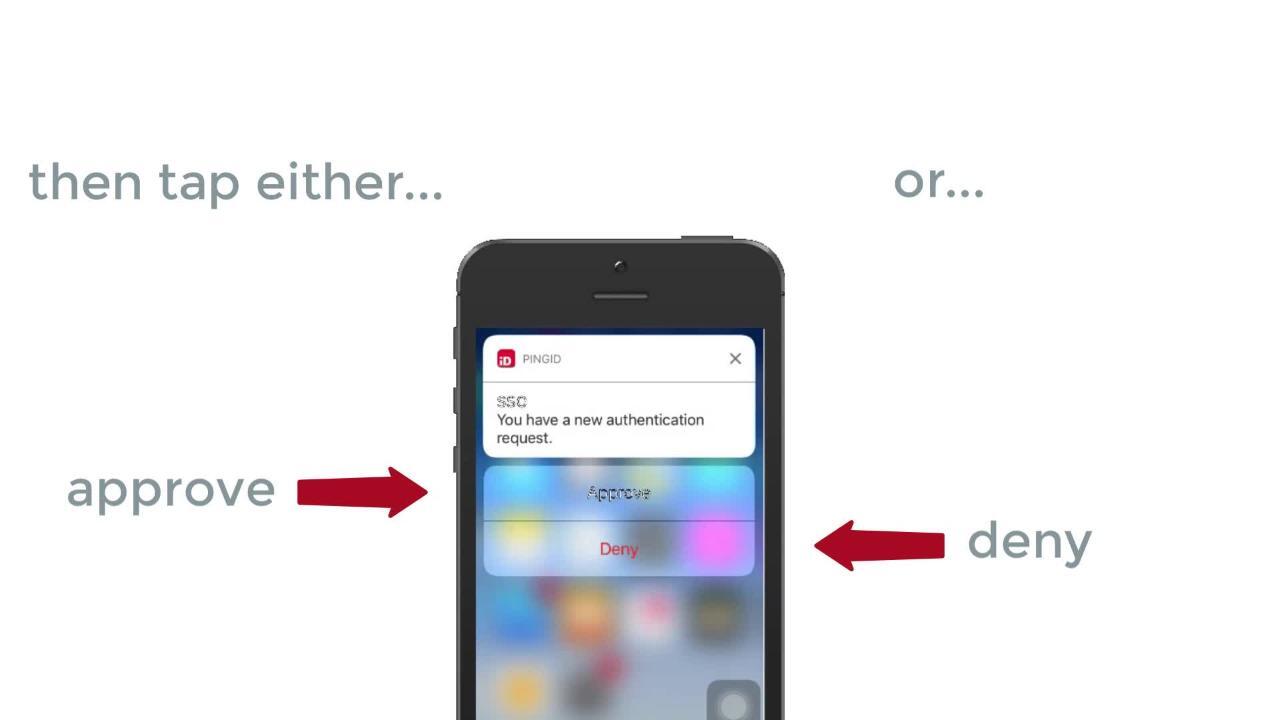
This demo video shows you how to download the PingID mobile app for multi-factor authentication, register your iOS device, and connect that device to your account—for easy and secure access.
1:59
-
Play video CIBA Payment Flow: Using QR Code
CIBA Payment Flow: Using QR Code
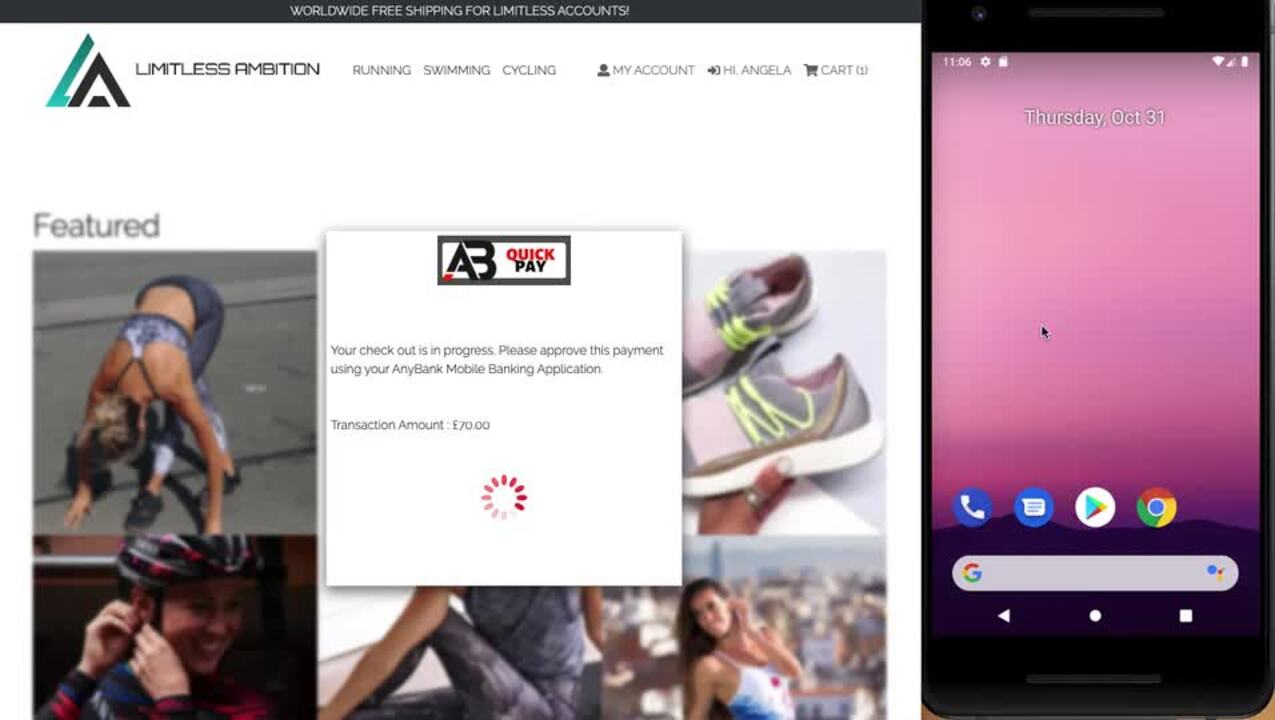
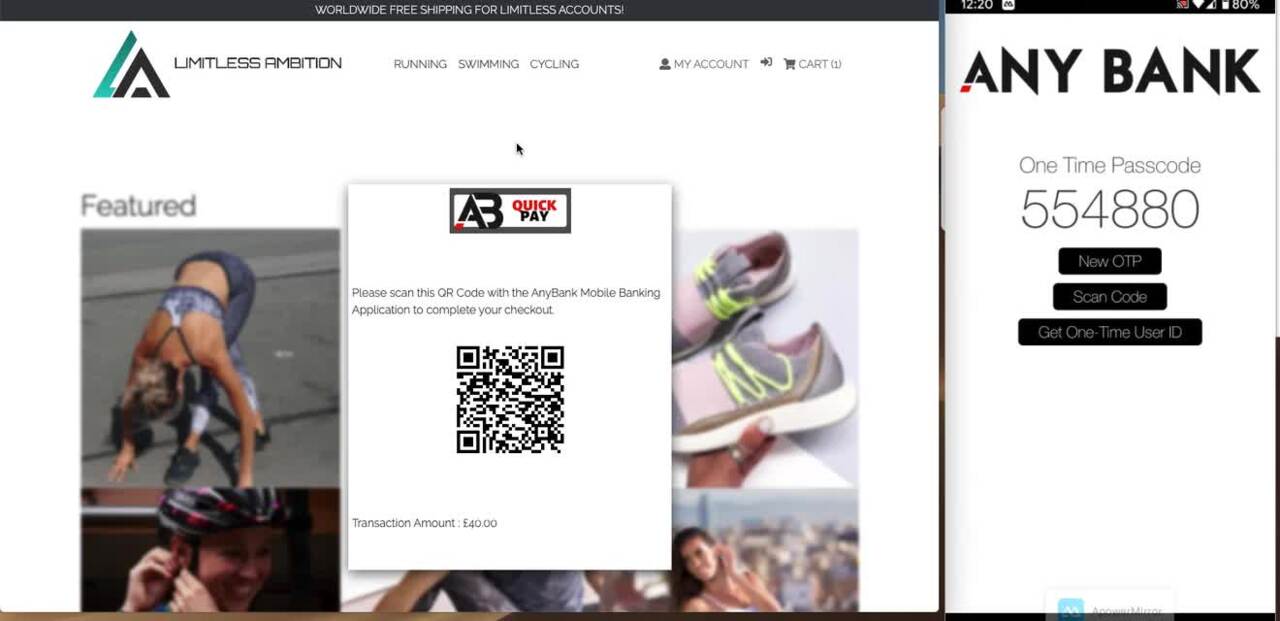
Watch the demo to see how you can use a scannable QR code to securely link a user for the purposes of a decoupled payment, enabling authentication without a browser redirect.
1:32
-
Play video CIBA Payment Flow: Using Saved Identity Token
CIBA Payment Flow: Using Saved Identity Token
Watch the demo to see how you can use a saved identity token from a previous transaction to directly launch a decoupled authentication, an approach to authentication that doesn't involve a browser redirect.
1:13
-
Play video PingOne for Customers Demo
PingOne for Customers Demo
Take a tour of the PingOne for Customers platform—see how to set up identity providers, progressive profiling, user management, applications, policies, multi-factor authentication, dashboards and more.
4:04
-
Play video PingID MFA and iOS Authentication
PingID MFA and iOS Authentication
Watch this demo video to see how end users can use their iOS devices to verify identity with a simple swipe and tap. PingID MFA makes it easy to authenticate via iOS in multiple ways, for fast and secure authentication.
1:28
-
Play video Creating a Connection with PingFederate (both sides - PF 7)
Creating a Connection with PingFederate (both sides - PF 7)
An all-in-one recording of a PingFederate Creating a Connection class. This is a demo of creating a connection between an Identity Provider and a Service Provider.
50:28